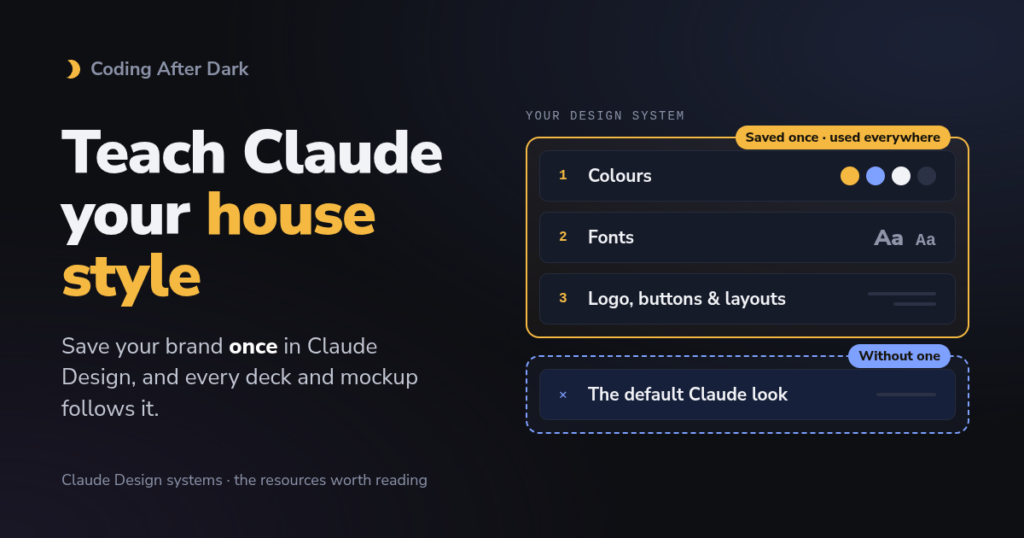
I believe the most underrated part of any design, especially now with AI showing up more and more in content creation, is design standards. Letting AI be a tool or an assistant for creating code or media without a style guardrail just screams “let my stuff look like AI”, and it ends up looking all over the place. We learned that about two months into really using Claude Code. The code that started to reach release had close to the same feel, but the design was way off, and we needed a solution.
After a bit of trial and error with memories, markdown files and skills, we stumbled on Claude Design and its design systems, and that’s the piece that let us start generating consistent design themes across all of our content. I posted a video on how to set up design themes in Claude so you can reference them when you need to.
Let’s start with what happens with one ask, with a design system and without one. At the end I’ve added some reference links that should be useful to you.
Design System
No Design System
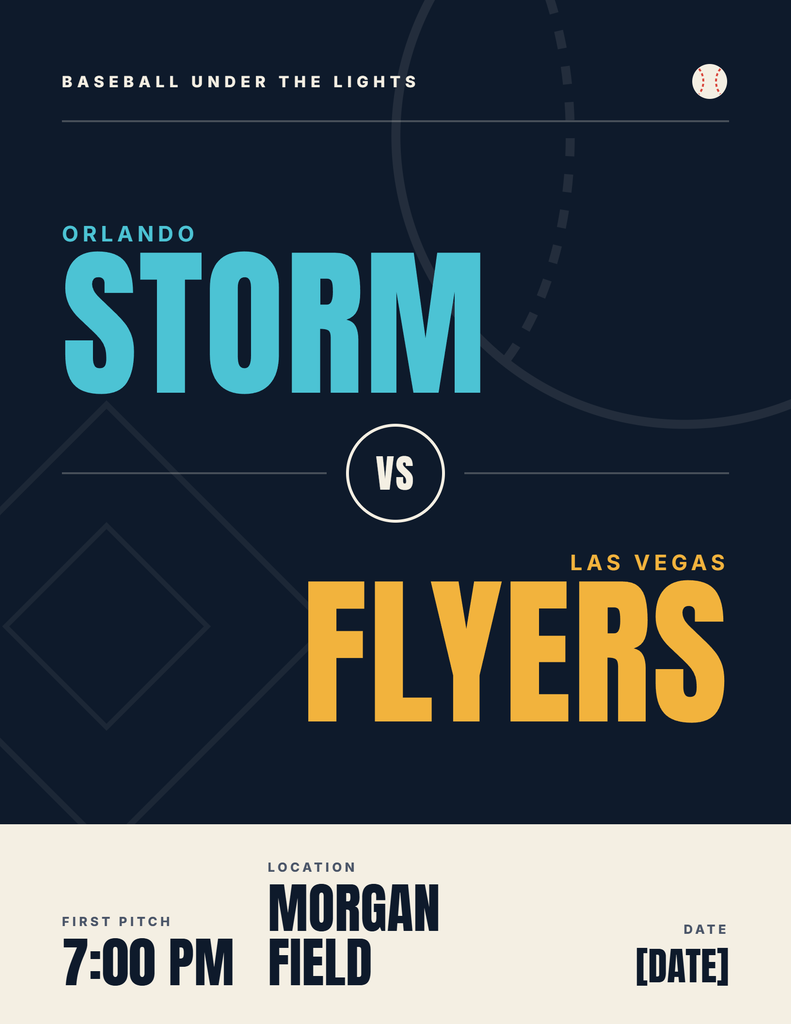
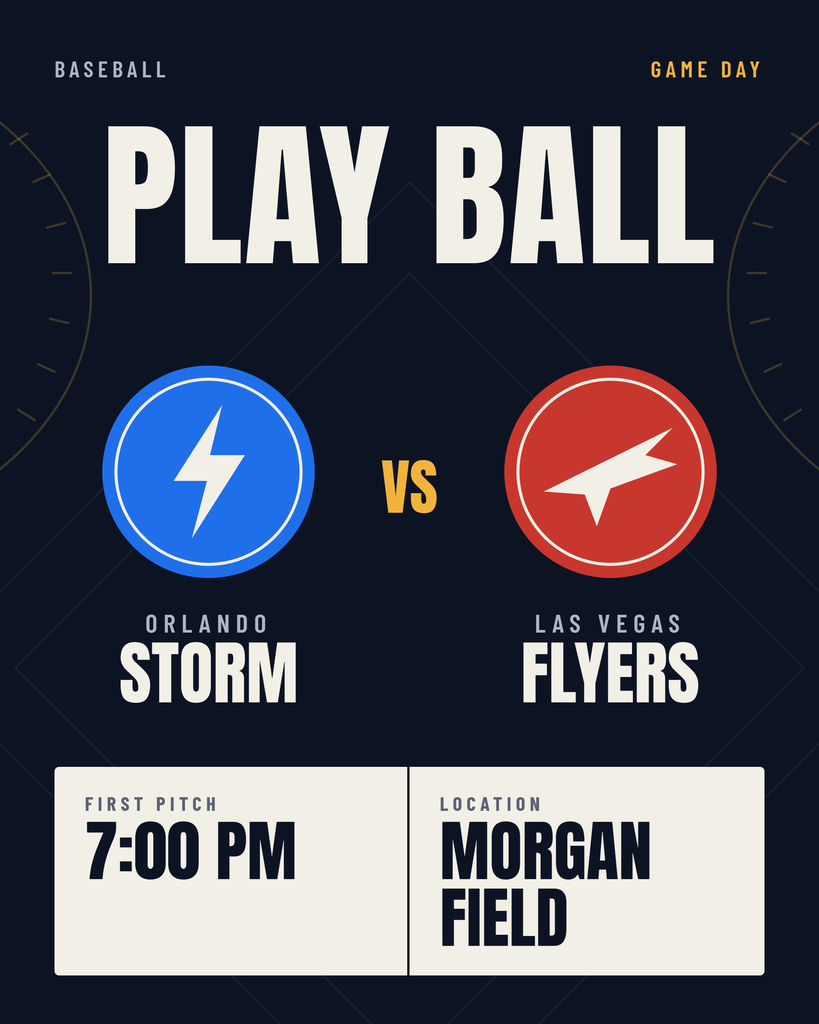
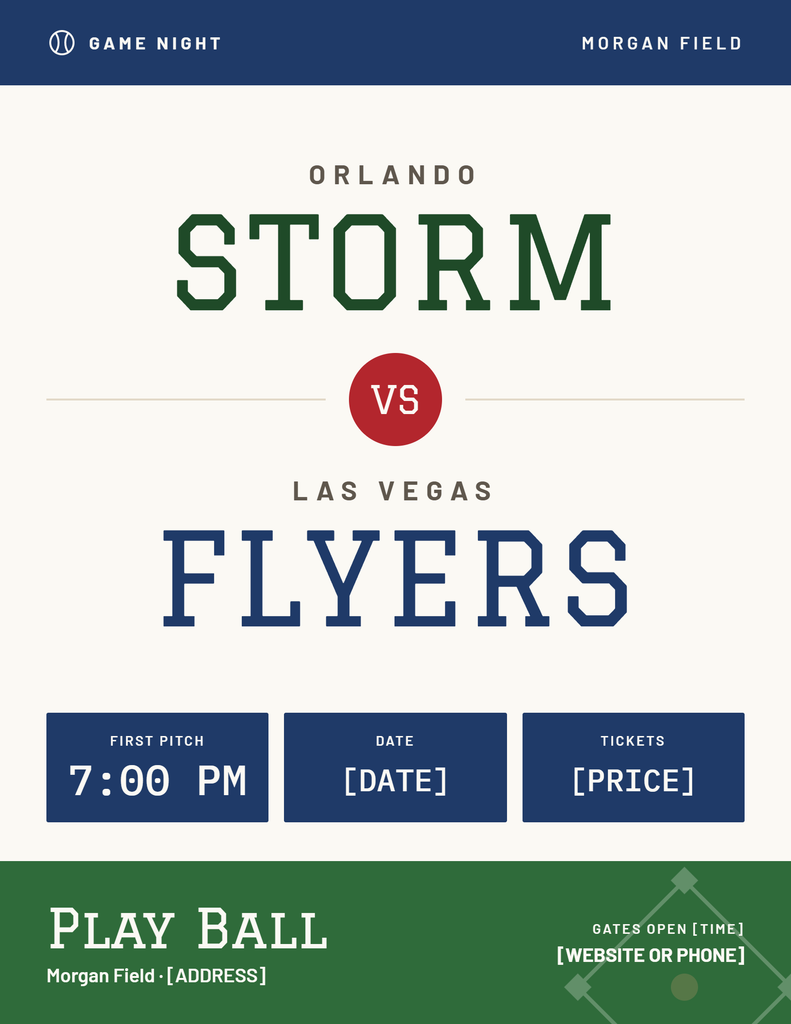
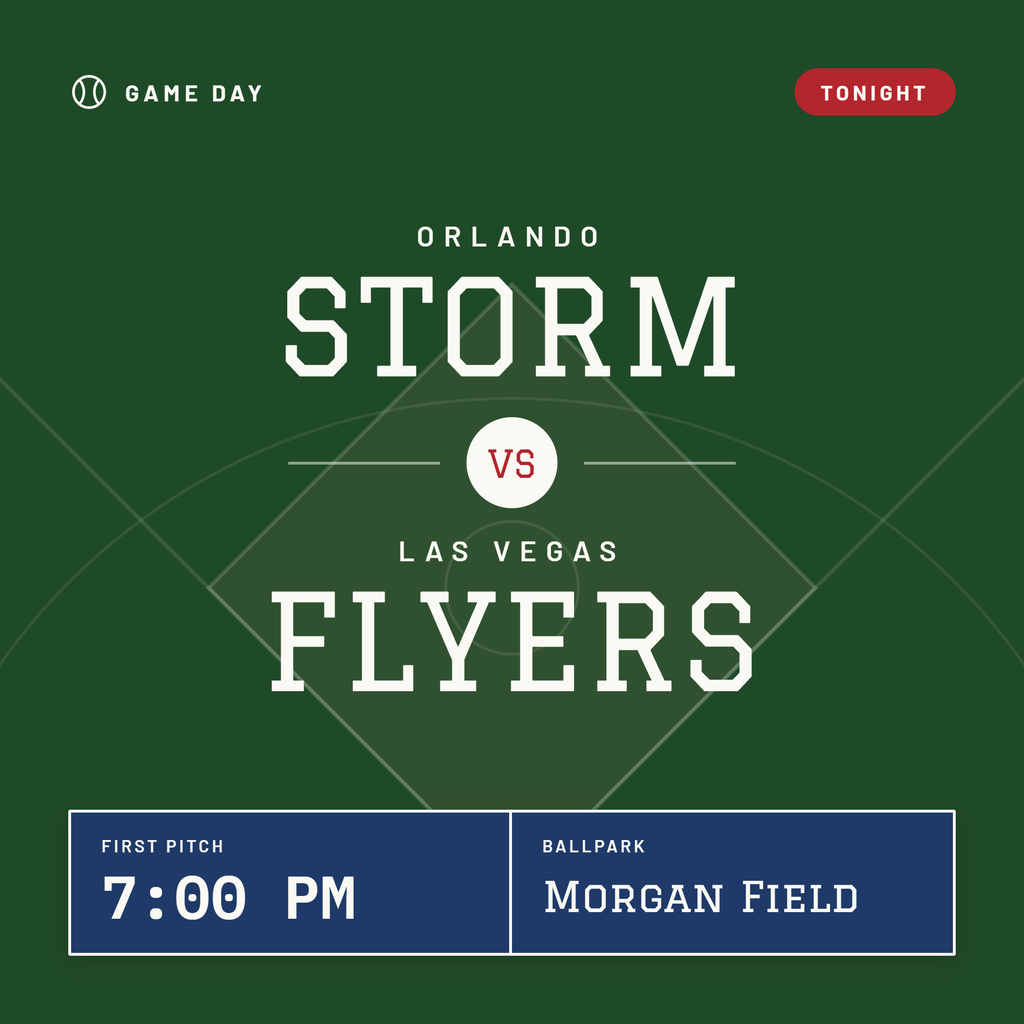
Above, you can see the design system kept the color theme in check, so both pieces look and feel in line. Without a system, both still look good, but the flyer has the Storm in a light blue and the Flyers in gold, and 2nd one switches to a brighter blue and red. Even though each one looks good after a single pass, the results already drift apart.
Now, of course you could keep prompting it to stay in line, but then you’re just wasting time and usage getting it to correct itself. This is where a design system really saves time, though it does take some time up front to tune it to the look and feel you want.
Official, start here:
- Set up your design system in Claude Design. The best single page. Covers the three ways in, review, testing with a sample project, and the “Published” toggle. Its tip to include real examples (a finished landing page), not just a color list, is the most useful line in the whole topic.
- Get started with Claude Design. Where it lives now (chat, Artifacts tab,
/designin Claude Code, mobile apps), plans, limits, exports. - Move from standalone Claude Design to Claude. The must-read for anyone who built a system at claude.ai/design, because that site closes December 14, 2026. Step-by-step move, what doesn’t carry over, the retention catch.
- Claude Design admin guide for Team and Enterprise. For the person who runs the company account. Says set the design system up before rolling out to everyone.
- Claude Code commands reference (
/design,/design-sync,/design-login). Short and accurate, and it’s upfront that/design-syncand/design-loginstill use the old standalone site. - Claude Code artifacts docs, “Improve the visual design”. The do-it-yourself version: a few lines in CLAUDE.md and your pages follow your brand.
- Introducing Claude Design (April 17) and the Oct 8 announcement. For the back story and the move.